
How to Use QR Code Frames and Get More Scans
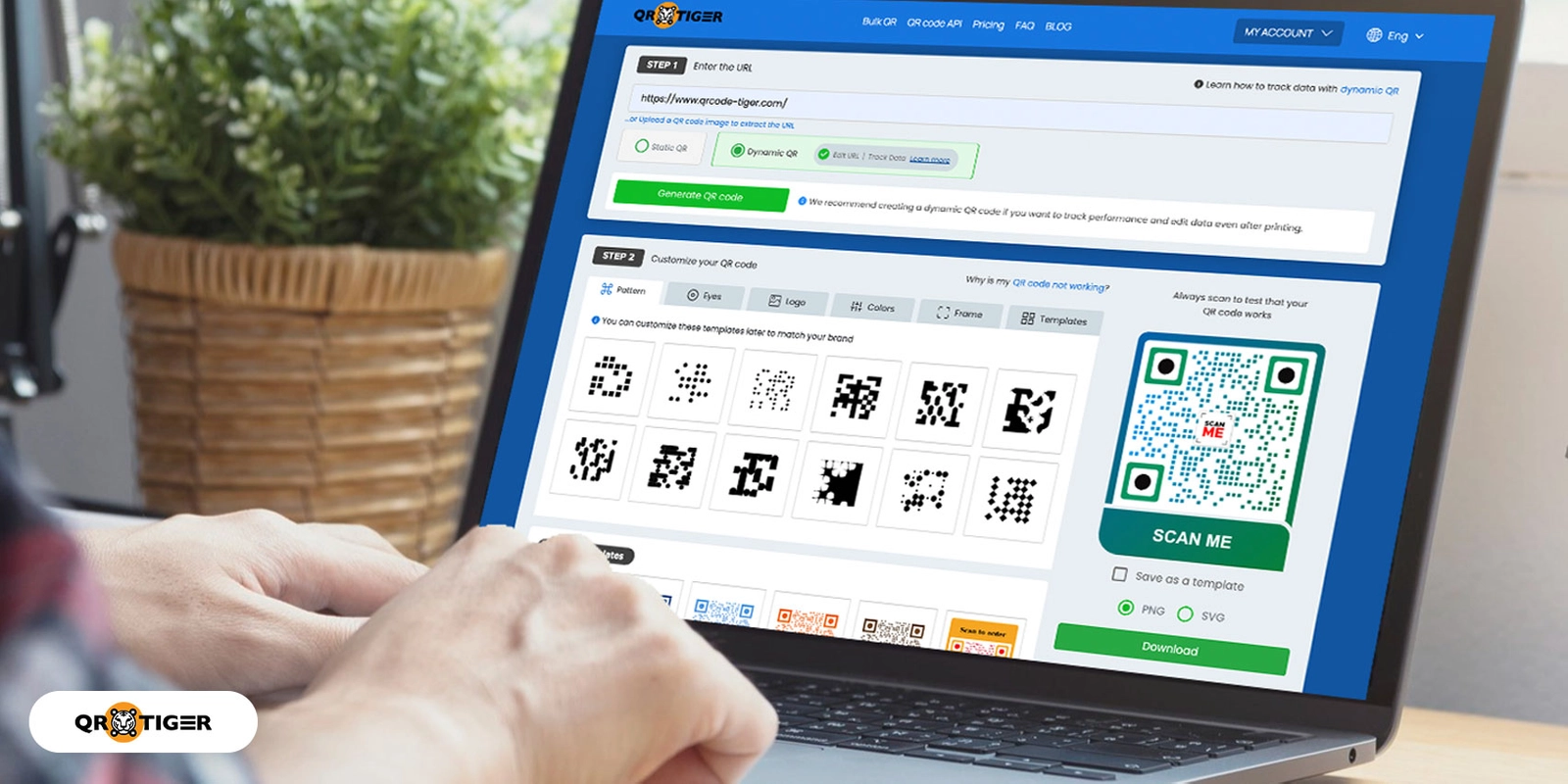
Table of Contents


To use on your site
Use a URL QR code for your website, and encourage your target audience to visit and share it. In addition, a QR code for your website will increase your website traffic.
App QR code for easy download
When users scan an App Store QR code on your website, it will redirect them to the Android Play Store, Apple App Store, or Amazon App Store to download the app.
Visitors to your website can scan the code and download the app without having to look it up by name.
Users will find the app QR Code more convenient, simple, and straightforward.
When linking the app to your QR code, you can add more information, an intro video, or other details using complex QR code generators with logos.
Listen to an audio
When people scan an MP3 QR code, a soundtrack, podcast, or any MP3 file will play automatically.
If you want to convert a music or audio file into a QR code, you can use an MP3 and audio QR code generator to do it quickly and easily. An MP3 QR code is helpful because it lets you play an MP3 file without additional software.
This type of QR code can also be used to convert text into an audio file and is often found in books, periodicals, and museum exhibits.
Display discounted items
QR codes in storefront windows are an excellent way for businesses to market and showcase their brand to people passing.
Allow them to scan your store’s sale products.
Furthermore, you can use QR codes to offer meal discounts or freebies!
Why make a dynamic QR code with a frame in a QR code generator?
There are several reasons to develop a dynamic QR code with frames, each with its own set of advantages.
Some of the examples are listed below:
URL can be edited
Users can save time, money, and effort by not having to develop and print a new QR code each time they wish to share a different piece of content.
All they need to do now is change the URL.
Also read: How to edit a QR code in 9 quick steps
Retarget tool feature
The retarget tool feature in QR TIGER’s Google Tag Manager allows you to track scanners and retarget them when they scan your QR codes.
As a result, your QR TIGER Google Tag Manager retargeting solution acts as one of your GTM containers, allowing you to track and retarget your users’ behavior.
After scanning QR codes, QR TIGER’s retargeting feature will track and retarget your users.
The information will assist you in creating custom adverts and campaigns.
Email scan notification feature
When generating a dynamic QR code, users will be notified if their QR codes have been scanned.
When a QR code is scanned, the owner will receive an email alert with information such as the campaign code, the number of scans, and the date the QR code was scanned.
The owner’s registered email address will receive the notification automatically.
Expiry feature
When a user generates a dynamic QR code, he can set an expiry date for the QR code with QR TIGER’s expiry feature.
Password-protected feature
QR codes with password protection are those in which the content or information encoded in the QR code can only be accessed and displayed after the scanner inputs the correct password.
Trackable data
You should generate your QR code solutions statistics report in a dynamic format if you want to track them.
Unlike static QR codes, dynamic QR codes are more complex and versatile.
The information encrypted in the dynamic QR code is saved in the QR code generator program online, where you create your QR code, allowing it to track QR code scans.
What is the right size for a QR code frame?
There is no specific size for your QR code frame; the size of your QR code matters, as it depends on where it will be used. If you’re going to include a frame on your QR code, you don’t need to be concerned about its frame size.

Questions People Ask
Can I add a frame to my QR code for free?
Yes, you can select and add a frame to your QR code for free. QR TIGER lets you create unlimited static QR codes with a frame for free, and these codes never expire. Frame customization, including adding a custom call-to-action text, is included at no cost.
How can I design my QR code with a frame?
Using a QR code generator, choose a QR code type, enter details, generate the code, and click "Frame" to select frame styles from the generator's design panel. Add a short call to action inside the frame, pick a color to match your branding, and download the finished design.
Does the frame have to be square?
No. Square is the most common frame shape, but it's not required. You can choose a rounded or circular frame if it best fits your design or campaign.
QR TIGER offers different frame styles so you can choose a shape that fits your branding or where the code will be displayed.
Can I make the QR code frame circle or round?
Yes. Round and circular frame options are available alongside square frames. The frame shape doesn't affect scannability. The QR code's own dimensions matter most, so you can pick a circular frame purely for aesthetic or brand reasons.
Use a frame for a QR code now to attract more scanners
The majority of QR code platforms on the internet do not offer free services to create QR codes with a frame. However, you can create as many static QR codes as you like with a frame in QR TIGER, and your QR code will not expire.
Even if your QR code is static, you’ll get an endless number of scans.
QR TIGER is also a free QR code generator online that gives you a variety of design and layout options for your QR code.
It’s a trustworthy QR code generator that will keep the data behind your QR code safe and secured, even if it’s static!
Generate and customize your QR code with us today.


