
Google Streamlines File Transfer with Quick Share QR Codes
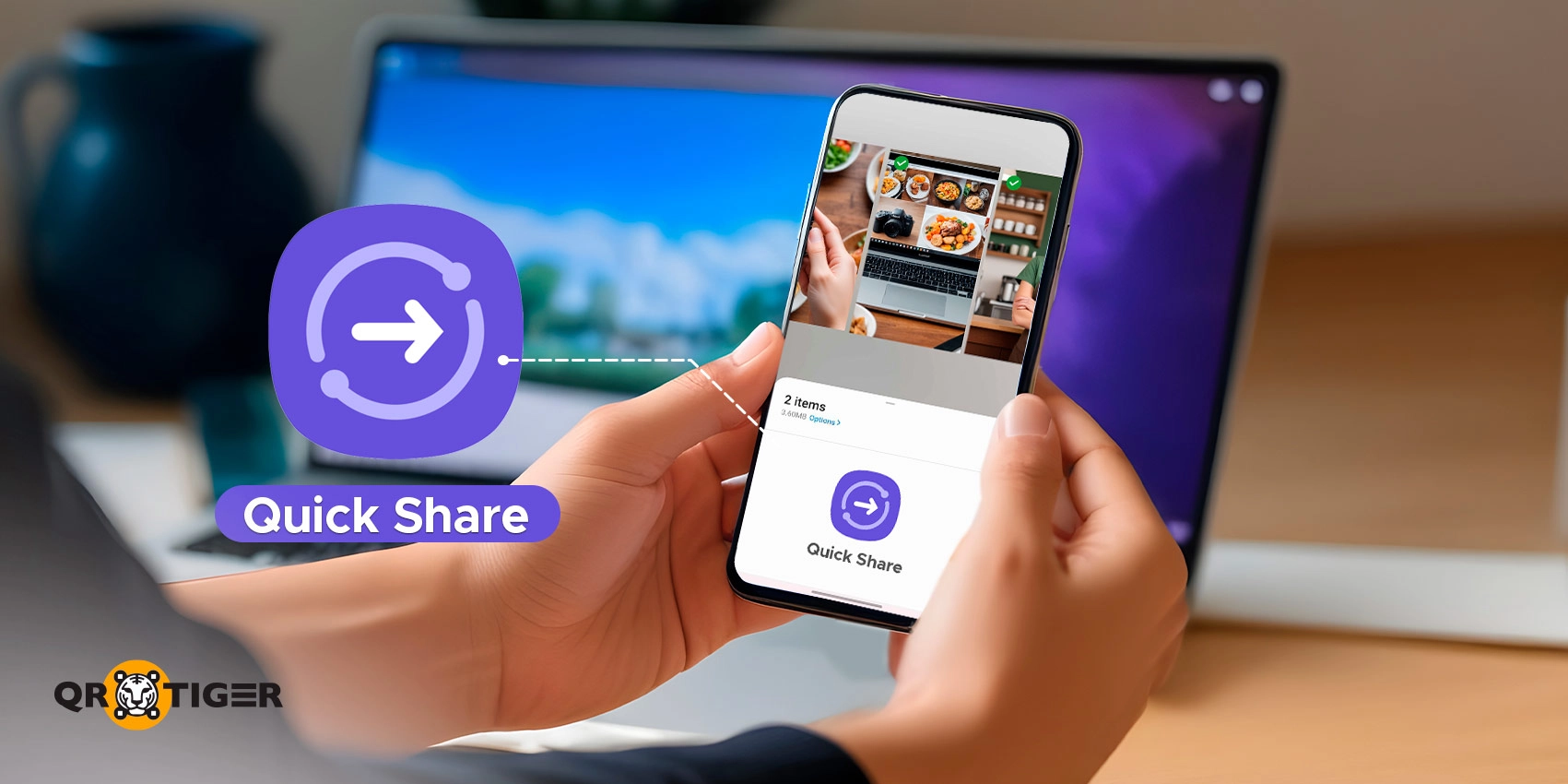
Google integrated Android’s Nearby Share feature with Samsung’s Quick Share, making setting up devices for file transfer faster than before.
Google is making file sharing at warp speed on Android with QR codes to Quick Share!
Engineered by a genius Google app developer, AssembleDebug, they are set to redefine user experience and cultivate a smoother, more secure method for transferring data.
Users can generate a QR code that saves the hassle of toggling Quick Share privacy settings whenever a file needs to be shared. Even better, the feature now extends beyond Android, reaching iPhones too.
Read further to learn what Quick Share Samsung is and how the new QR code feature works.
Table of Contents
- A scoop to Quick Share’s improved efficiency
- Google-Samsung collaboration for ultra-fast file sharing with Quick Share QR codes
- A simplified connection via Quick Share QR code
- Android to iPhone: Cross-platform is now possible
- Native Quick Share-AirDrop compatibility grows
- Mobile technology gets a speed boost with QR code integration
A scoop to Quick Share’s improved efficiency
So, what is Quick Share Samsung?
Quick Share, formerly known as Nearby Share, is Samsung Electronics’ wireless data transfer utility. The tool streamlines file sharing between compatible devices.
Think of Quick Share as the closest AirDrop alternative on Android: a device-to-device transmission for photos, videos, documents, URLs, and more.
Quick Share is the default file-sharing system on Android and works by finding nearby devices via Bluetooth and Wi-Fi.
Locating devices or selecting contacts used to take time, especially when phones were not connected to the same Wi-Fi network.
That said, Google has come up with a way that could soon make it even easier to share resources, and that is through QR codes.
The key benefit of integrating a QR code generator into the file-sharing app is a speed-up device handshake.
The approach optimizes the connection process and removes the prior reliance on Wi-Fi network connectivity or Bluetooth proximity.
Google-Samsung collaboration for ultra-fast file sharing with Quick Share QR codes
Google introduced its collaboration with Samsung to bring Quick Share across Android devices. Part of the partnership included a strategy for integrating QR code technology.
QR code technology brings versatility and accessibility to Quick Share. The reach widens, which helps in environments where speed matters most.
Wi-Fi connections are fast for file transfers, but QR codes can simplify the setup. No need to toggle the Quick Share privacy setting from Your Devices to Contacts or Everyone. A swift scan of a QR code handles everything.
The QR code functionality first appeared in beta testing under Google Play Services (v24.20.13). The feature is now available on devices running Android 15, with support extending to Android TV, Chrome OS, and Windows.
Google officially announced the full rollout at The Android Show: I/O Edition in May 2026. Google confirmed full availability across all Android devices should land within the next month.
The combination of Google and Samsung's expertise reflects a genuine commitment to making services more accessible.
A simplified connection via Quick Share QR code
Before this update, sharing files via Quick Share required Bluetooth pairing or both devices to be on the same Wi-Fi network. The methods worked, but came with occasional hurdles.
- Public Wi-Fi networks introduced security concerns.
- Bluetooth pairing was a hassle in certain situations.
Google solved the "waiting for devices" problem with a single QR code scan.
Here is how the process works:
- Select your files for transfer.
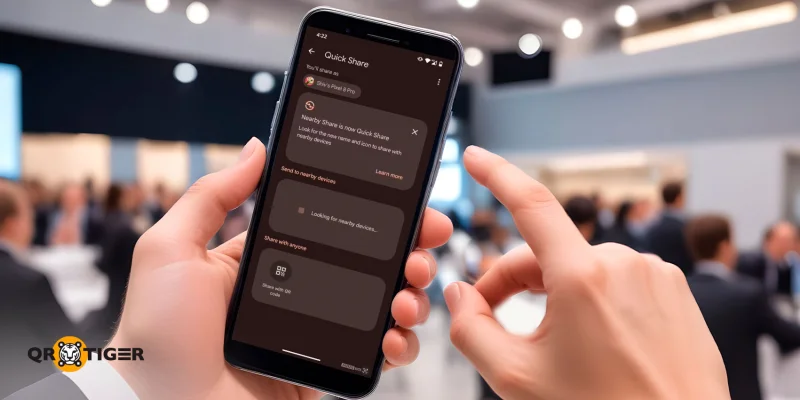
- Click “Share with QR Code” under the “Share with anyone” system share sheet.
- A QR code appears.
- The receiver scans the code using their smartphone or a QR code scanner app, and the connection starts.
The generated code uses a “near.by” URL to initiate the connection. Bluetooth and location permission are still required for Quick Share’s core functions. But you no longer wrestle with Wi-Fi settings or privacy toggles.
This collaboration gives users genuine flexibility and convenience for wireless data exchange.
Android to iPhone: Cross-platform is now possible
Here is where things get genuinely interesting.
The cross-platform limitation between Android and iOS? Resolved. Google now lets Android users share files directly with iPhones using QR codes. QR codes don’t care which operating system you run.
An iPhone user scans the QR code through the native Camera app. No additional app needed. Once scanned, the file uploads to the cloud and transfers securely to the iPhone.
During the process, the Android phone displays a message: files are end-to-end encrypted and stay available for sharing for up to 24 hours. The cloud acts as the bridge between Android and iOS, since native device-to-device Quick Share is not yet universal across all phones.
Native Quick Share-AirDrop compatibility grows
For those wanting device-to-device sharing without cloud transfers or QR codes, Google confirmed native Quick Share-AirDrop compatibility is coming to more flagship Android phones, including:
- Samsung Galaxy S25 series
- Samsung Galaxy S24 series
- Samsung Galaxy Z Flip7
- Samsung Galaxy Z Fold7
- Samsung Galaxy Z Flip6
- Samsung Galaxy Z Fold6
- Samsung Galaxy Z TriFold
- OPPO Find X8 series
- OnePlus 15
- HONOR Magic V6
- HONOR Magic8 Pro
Mobile technology gets a speed boost with QR code integration
In the hustle and bustle of modern life, QR codes continue to solidify their position as a reliable and user-friendly solution.
Google's approach prioritizes speed, convenience, and security. Seamless data exchange becomes the new standard, and digital experience gets more productive.
The update is a transformative force for anyone who needs to share files on the go.
Along with the other technological movements, more is coming from this tech innovation, bringing a smoother experience for all file transfers.

