
QR Codes on Product Packaging: A Brand Manager's Guide

Table of Contents
- What does a QR code on product packaging do?
- Why use product packaging QR codes?
- 11 ways to use QR codes on product packaging
- 1. Digitalizing product manuals
- 2. Serving multilingual product manuals
- 3. Sending shoppers to a custom landing page
- 4. Pushing app installs from packaging
- 5. Collecting customer feedback and reviews
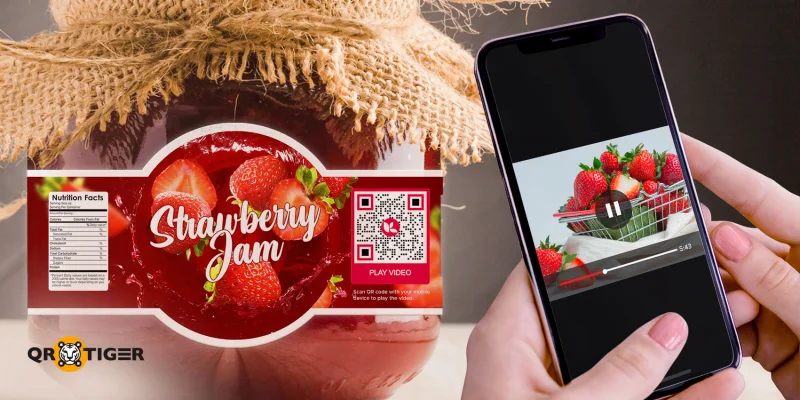
- 6. Adding how-to and demo videos
- 7. Tracking inventory and verifying products
- 8. Capturing email signups
- 9. Triggering warranty registration
- 10. Enrolling shoppers in loyalty programs
- 11. Driving social media followers
- What kind of QR code should product packaging use?
- Where to place the QR code on the product packaging
- How to add a QR code to your product packaging
- How different industries use QR codes on product packaging
- Real brand examples of QR codes on non-food product packaging
- The packaging label is no longer the whole story
- Frequently asked questions about QR codes on product packaging
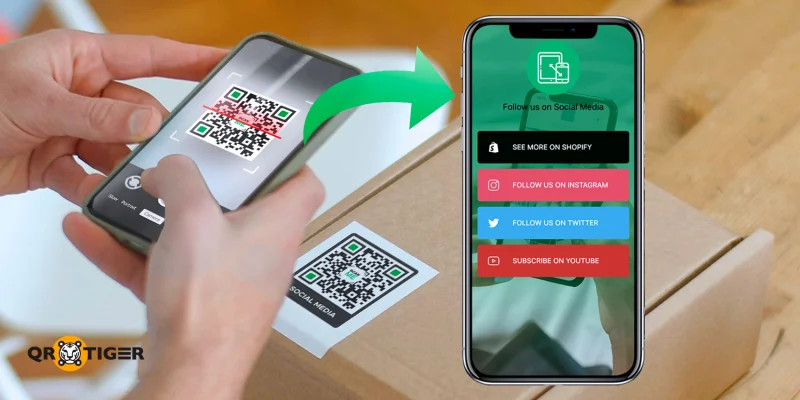
A social media QR code sends customers straight to your Instagram, TikTok, or YouTube account, allowing you to grow followers and improve social media presence from physical packaging.
Pair the QR code with a clear printed call to action, such as “Follow for shade matches” or “See styling tips.”
Beauty and apparel brands gain the most from this idea. A shopper holding the product is mid-decision, and a tap-to-follow button on screen earns more followers than a typed handle.
What kind of QR code should product packaging use?
Product packaging can use two types of QR codes: static and dynamic.
The biggest difference between the two is that the destination URL is fixed in the data modules of static QR codes, making it permanent.
A dynamic QR code, on the other hand, stores a short redirect URL, with the destination saved on the generator’s server. This allows for content modification without changing the QR code itself.
Between the two, dynamic QR codes are better for product packaging because:
You keep flexibility after printing. Change the destination or content without having to recreate the packaging.
You get scan analytics by total volume, unique visitors, location, device, and timestamp.
You can set expiration dates or scan caps for limited-time campaigns and contests.
You can embed retargeting pixels for paid ads and brand-domain redirects for trust and security.
Where to place the QR code on the product packaging
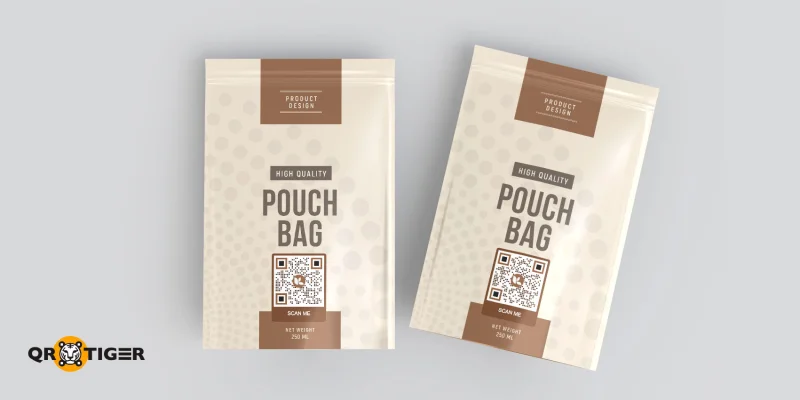
Primary packaging touches the product directly. A skincare bottle, a phone box, a pair of jeans on a hangtag. Place the QR code on the back panel for warranty or care instructions, or on the front for marketing-led campaigns.
Secondary packaging groups units, such as a shipping carton holding 12 lipstick units. Print the QR code on the box flap for retailer or distributor use, often for inventory and authentication.
Tertiary packaging covers pallet-level shipping. A QR code here tracks bulk movement, shipping origin, and warehouse handoffs. This tier is operational rather than consumer-facing..gif)
How to add a QR code to your product packaging
Use a dynamic QR code generator so you can change the destination after printing and read scan data by location, device, and time. Download in SVG format to keep print sharpness at any size.
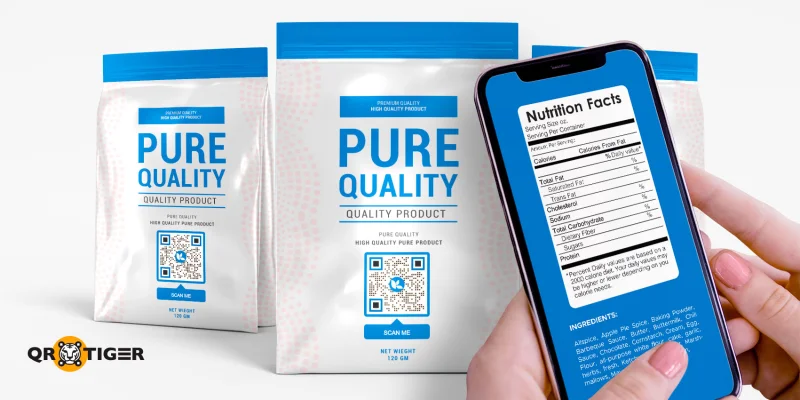
In your product packaging layout, place the QR code where shoppers expect to find it, usually the back or side panel near the regulatory info, and pair it with a short call to action like “Scan to register”. Maintain high contrast between the code and the background.
Placement makes a measurable difference. Appetite Creative's packaging research found that well-placed QR codes with a clear call to action reach 7 to 8 percent scan rates, while poorly positioned codes fall below 0.5 percent.
For sizing, use the rule that the QR code needs to be at least one-tenth of the expected scan distance, with 2x2 centimeters as a safe default.
Test the printed QR code on the actual packaging material. QR codes on matte, glossy, and curved packages all behave differently when scanned.
For the full step-by-step on QR code creation, see our guide on printable QR code labels.
How different industries use QR codes on product packaging
QR code strategies vary by category. Below are five non-food categories, each with a primary use case and one brand example to ground the approach in real packaging.
Beauty and cosmetics
Beauty brands lead in scan volume across non-food categories. The most common landing page is a shade match or skin tool, followed by ingredient transparency pages and loyalty signups.
L’Oréal has rolled out QR codes across major product lines, with its Kérastase range linking to hair tutorials and ingredient breakdowns.
Clinique’s ClinicalReality AR experience launches when the QR code on the package is scanned, letting shoppers test foundation without installing an app.
Electronics and appliances
Electronics brands focus on warranty registration and setup tutorials. A scan replaces the throwaway warranty card and the lost manual at the same time.
Bosch uses this for appliance pairing through its Home Connect app. You look up your model number, get a QR code, and scan it to load setup instructions straight into the app.
Apparel and fashion
Apparel brands use QR codes for digital product passports, care instructions, and sustainability proofs.
The R Collective, a Hong Kong upcycled denim label backed by Levi’s, prints a scannable garment tag linking to supply chain data, washing tips, restyling ideas, and end-of-life recycling guidance.
Buyers receive ongoing care and support after the sale, and the brand earns tangible evidence of its sustainability claims for each piece sold.
Toys and games
Toy makers print QR codes on the outer box to link to assembly demos, age-appropriate digital content, and parental safety guides.
Unboxing drives high scan rates in this category, as parents seek help during the setup window. Pair the code with a frame and child-friendly call to action for best results.
Health and supplements
Health and supplement brands use QR codes for third-party lab results, dosage videos, and refill subscriptions.
Trust is the buying signal in this category. A scan-to-verify approach showing a lab certificate, batch number, and expiry date answers the safety question before the bottle leaves the shelf.
For fitness-led supplement brands, the angle shifts from safety to engagement. Pre-workout, protein, and recovery lines often pair the packaging code with training plans, exercise demos, or member-only content the buyer wants from a fitness brand.
See our guide on QR codes for gym and fitness brands.
Real brand examples of QR codes on non-food product packaging
Diesel
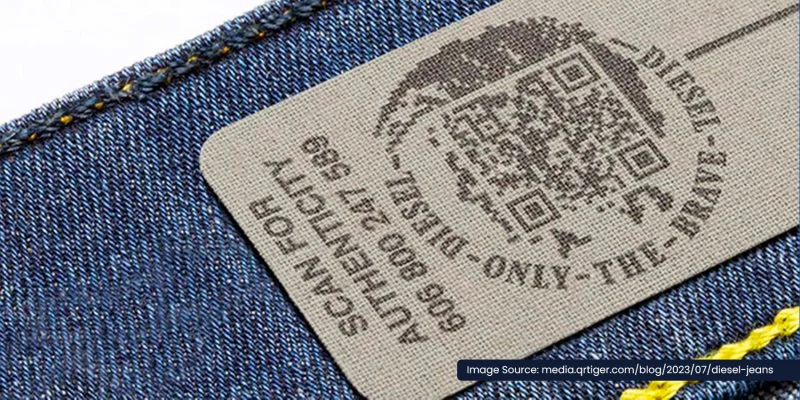
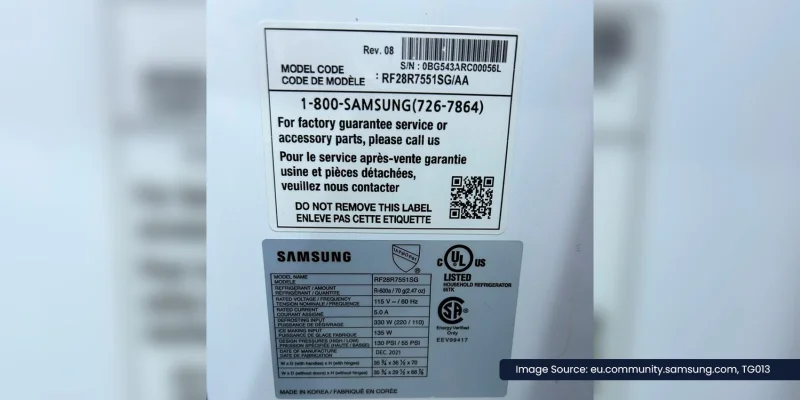
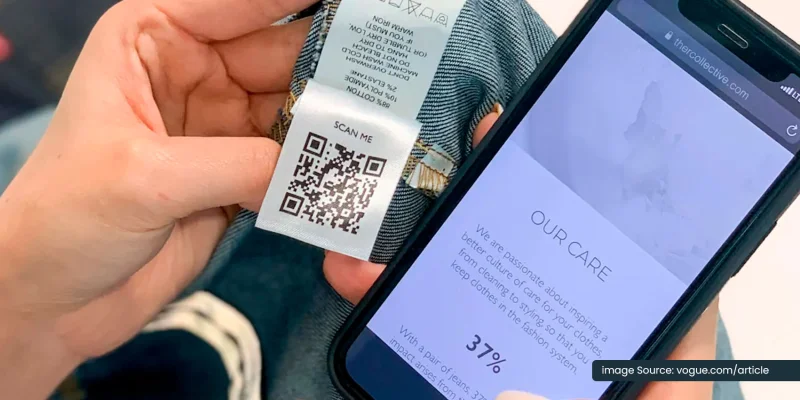
The R Collective, a Hong Kong upcycled apparel label founded by Dr. Christina Dean of the REDRESS charity, uses a QR-coded garment tag to carry per-piece care, supply, and recycling information, in partnership with Levi's and labeling specialist Avery Dennison.
Objective: Prove sustainability claims and make each garment last longer with content tied to each piece sold.
Solution: A printed garment tag on every pair of jeans carries a QR code. It links to a microsite with four content layers, covering sustainable care tips, supply chain transparency, low-energy washing methods, restyling ideas, and end-of-life recycling instructions.
Result: The campaign moved the garment label from a static tag into a maintained digital experience tied to each piece sold under the global #WearAndCare initiative.
Vogue Hong Kong framed the launch as a step toward making fashion traceable from origin to afterlife, with the scannable label carrying the consumer education campaign to a global audience.
The packaging label is no longer the whole story
QR codes on product packaging do the work a printed insert used to do, only better and at a lower cost.
They free up label space for brand identity, product hierarchy, and regulatory marks that must remain on the printed surface. Everything else moves to the scan.
The result is packaging built around two surfaces working together. The printed label tells shoppers what the product is, but the QR code tells them everything else.
Start with one product line
QR TIGER, the publisher of this guide, offers a free tier for generating dynamic QR codes. Pick the use case that best fits your category, deploy it in your next batch run, and review the scan data before you scale it across the rest of your catalog.
Frequently asked questions about QR codes on product packaging
What is the minimum size of a QR code on packaging?
2x2 centimeters at handheld scan distance. Larger packaging supports 3x3 centimeters for easier scanning under retail lighting. The rule is one-tenth of the expected scan distance, so a code scanned from a meter away needs at least 10 centimeters.
What are common QR code mistakes to avoid?
Low contrast between the code and the background. Print sizes below 2 by 2 centimeters at handheld distance. Missing or weak call to action next to the code. Linking to a slow mobile page that loads in more than three seconds.
When not to use a QR code?
Skip QR code when shoppers cannot scan from a comfortable distance, when the linked content offers no value beyond what fits on the label, or when the destination is better delivered through NFC, a printed URL, or a chatbot.
What QR code will not expire?
The QR code itself never expires. What expires is the destination URL. Static code stays locked to a single URL forever, so it keeps working as long as that URL stays live. Dynamic codes work as long as the subscription remains active and the redirect server runs.

